Every time tax season rolls around, or I purchase a new workstation for my indie development business, I dread the exact same task: calculating asset depreciation. Whether it's MACRS for tax purposes or Straight Line for internal balance sheets, the experience is always painful.
The web is flooded with outdated, ad-ridden accounting blogs or bloated enterprise tools that force you to input your email address just to see a basic depreciation schedule. I got tired of it, so I spent my weekend building mydepreciation.org—a clean, 100% free, and lightning-fast calculator that runs entirely on the client side.
Building a Math Engine on the Client
When I set out to build this, I had one strict rule: no database, no signups, and zero backend overhead.
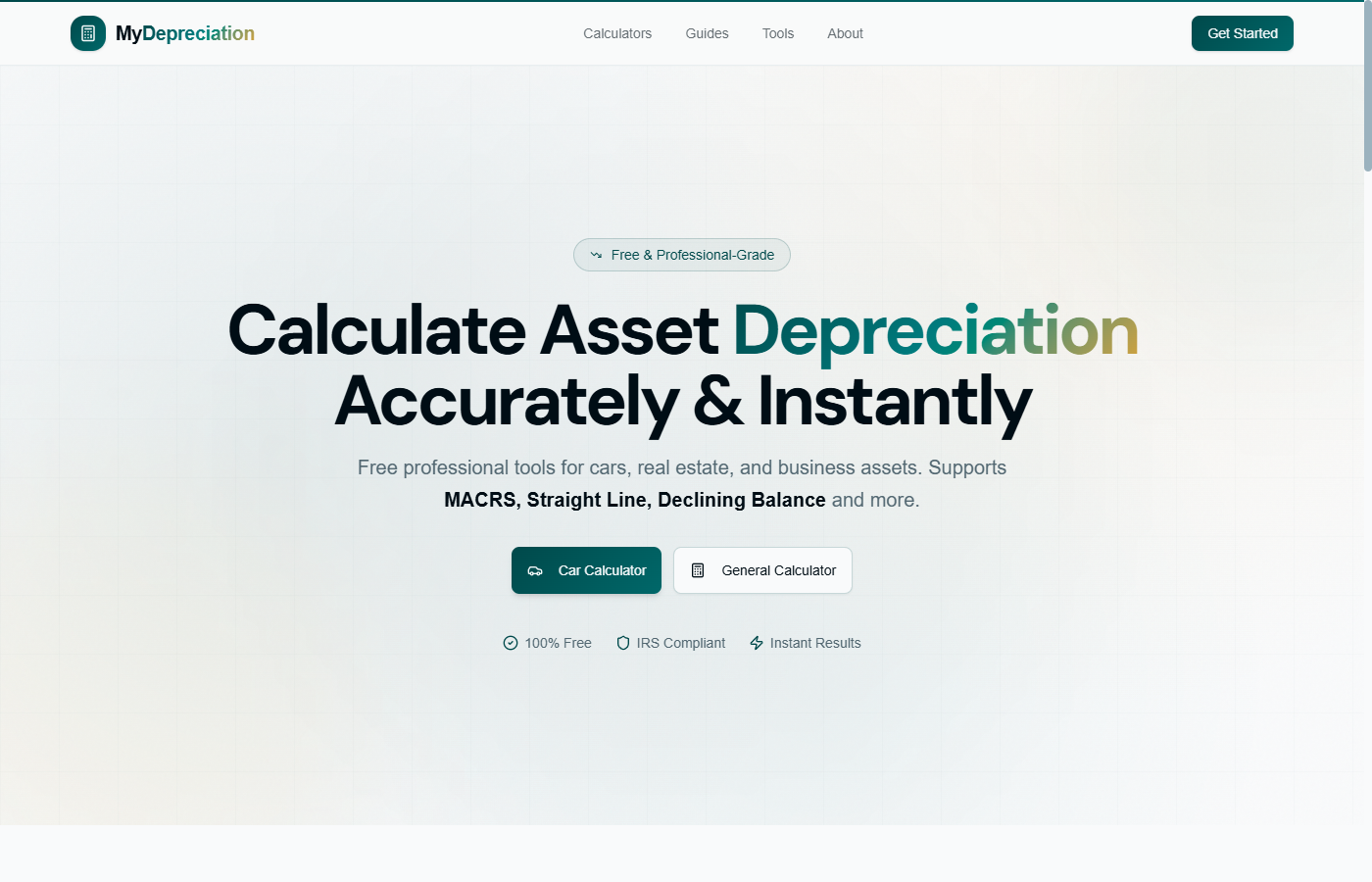
The stack is super lightweight. I used Next.js and Tailwind CSS for the frontend, hosting the entire static application on Vercel. The core challenge was translating complex IRS Publication 946 MACRS tables (especially the half-year vs. mid-quarter conventions) into clean TypeScript algorithms.
Instead of calling an API, all calculations—whether it's Straight Line, Declining Balance, or MACRS—happen in real-time as the user types. The calculation engine processes the asset cost, salvage value, and recovery period, instantly spitting out a dynamically generated interactive table and a clean SVG chart visualizing the asset's declining value over time.
Making Accounting UX Not Suck
Finance tools are historically ugly and clunky. I wanted mydepreciation.org to feel like a modern SaaS utility.
I focused heavily on micro-interactions. If you change the depreciation method from Straight Line to MACRS, the form fields dynamically adapt without layout shifts. For example, selecting MACRS automatically opens up the property class selector (3-year, 5-year, etc.) and handles the depreciation rate percentages under the hood.
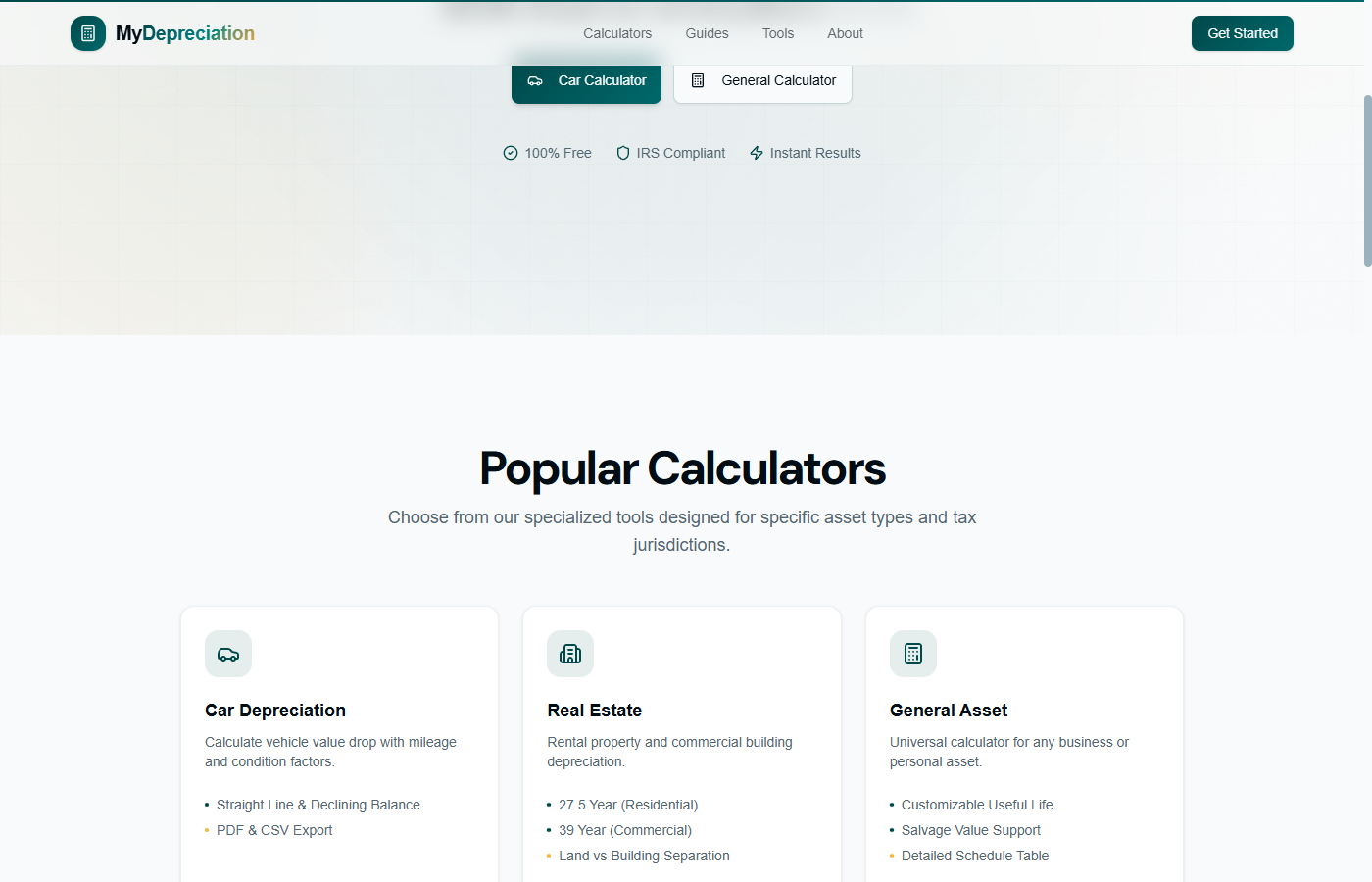
I also built in a one-click CSV export so developers and small business owners can grab the raw schedule data and drop it straight into Google Sheets or Excel without having to manually copy-paste cells.
Lessons from the Build
1. Keep it Static: Building this as a pure static utility tool means my hosting cost is practically zero, and the page loads in under 200ms. 2. Scope Control: I was tempted to build a full multi-asset dashboard with user accounts. I forced myself to strip it back to just the calculator. Focus on solving one specific problem perfectly first.
The tool is live now. I’d love for the community to test the calculation accuracy, check out the UX flow, and let me know if there are any specific depreciation methods or features you'd want to see added next! Check out https://mydepreciation.org!
About the author
- Serial Maker. Building 15 tools.
Comments
Join the discussionNo comments yet. Be the first to comment.